Screen Time Control App
App Lock, Limit for Focus
4.8
·
872 Ratings
Block distracting apps on iPhone with one tap. Schedule app blocking, set daily limits, and stop endless scrolling on social media.

🔒
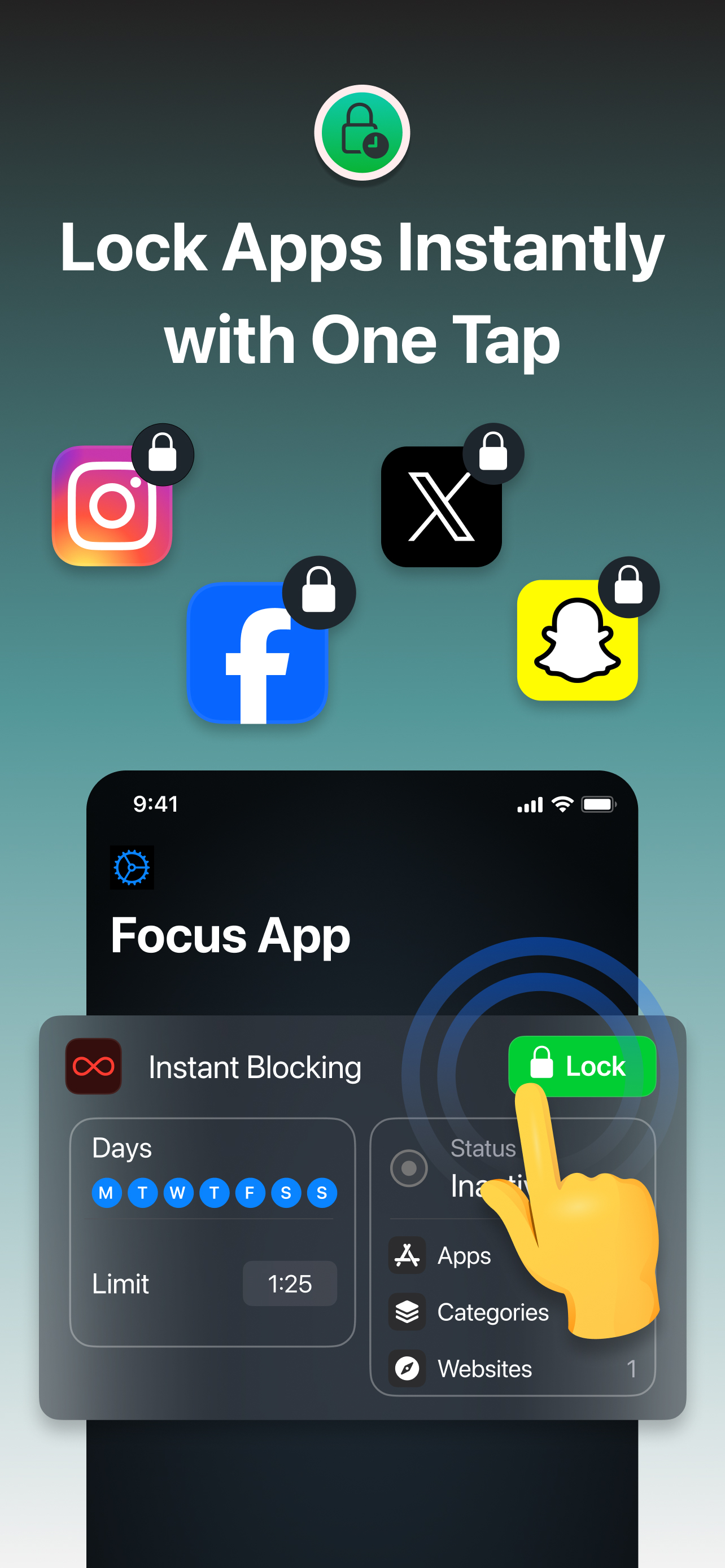
Block Apps Instantly
Lock distracting apps like Instagram, TikTok, and Snapchat with a single tap. Take back control of your screen time.
📅
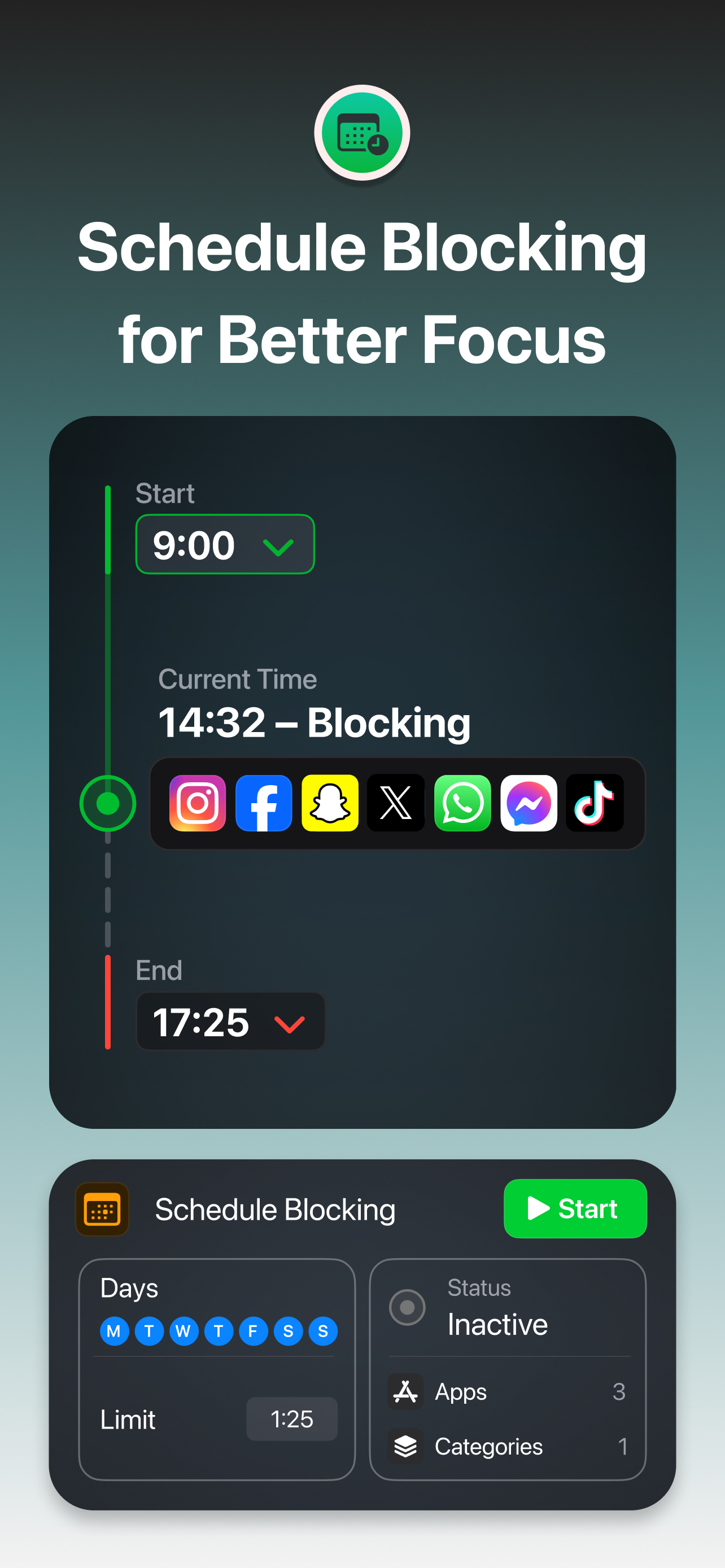
Schedule App Blocking
Set start and end times to automatically block social media apps. Stay focused during work, study, or bedtime.
🚫
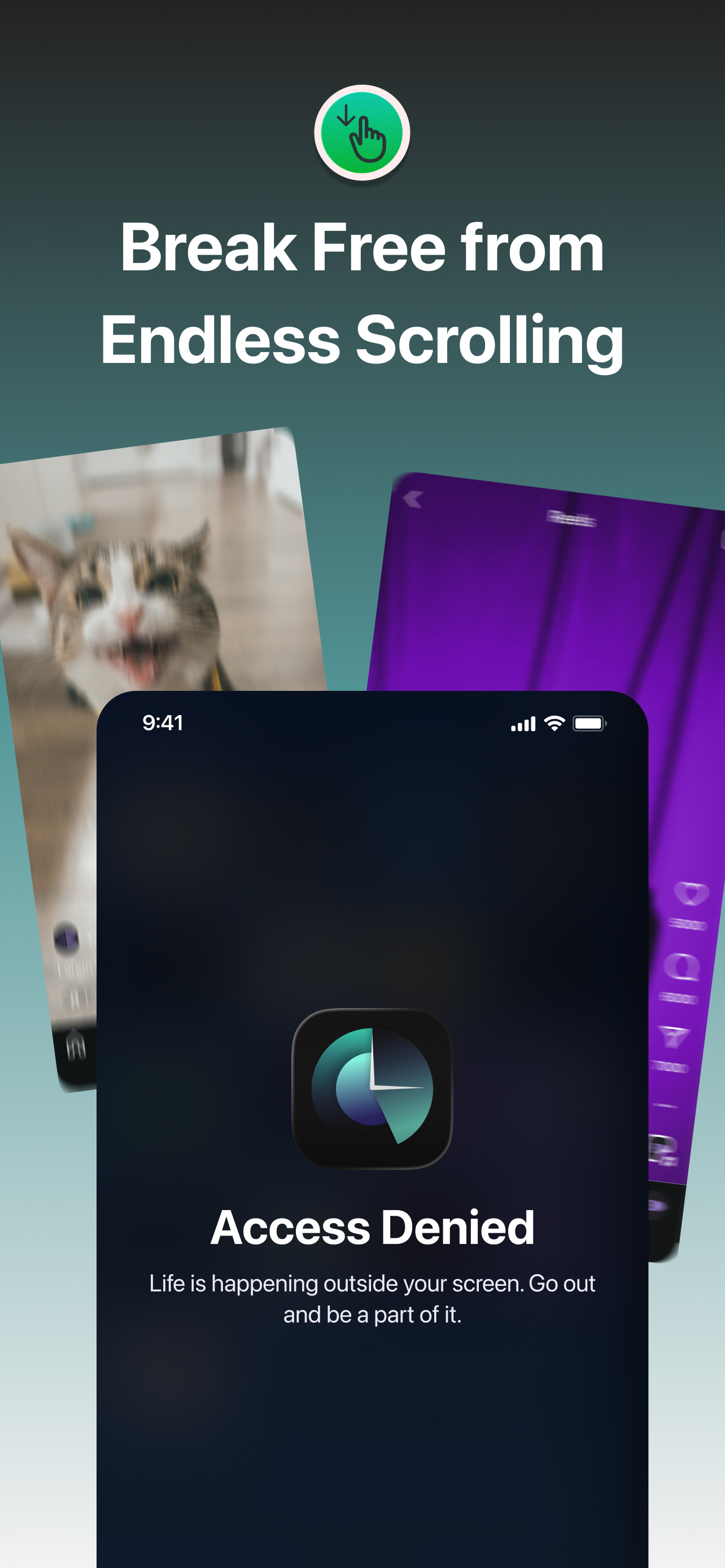
Break Free from Scrolling
Stop endless scrolling on social media. When your limit is reached, apps are blocked and you get your time back.
Frequently Asked Questions
Need help with something? Here are our most frequently asked questions.
Screen Time Control uses Apple's Screen Time API to block apps on your device. Simply select the apps or categories you want to block, set your schedule or limits, and the app handles the rest. When an app is blocked, you'll see a lock screen instead of the app.
Yes! You can block whole categories like Social Media, Games, or Entertainment with a single toggle. This is perfect when you need to focus and don't want to pick apps one by one.
Set a daily time limit for any app — for example, 30 minutes on Instagram. The app tracks your usage, and when you hit the limit, it blocks the app for the rest of the day. You'll get a notification when you're close to your limit.
Absolutely! Create schedules to automatically block apps during specific times — like during work hours (9am-5pm) or bedtime (10pm-7am). You can set different schedules for different days of the week.
Yes! Screen Time Control is available on Mac with Apple Silicon (M1 or later). Your settings sync across devices, so your focus habits follow you everywhere.
Completely. Screen Time Control doesn't collect any data from your device. All processing happens locally on your iPhone or Mac. Your usage data and settings never leave your device.