
Cleanup: Clean Up iPhone Storage
Delete Duplicates & Free Space
4.9
·
645 Ratings
Delete duplicate photos, clear cache, and free up iPhone storage instantly. AI-powered cleanup tool that removes junk files, blurry photos, and old screenshots in one tap.

🔍
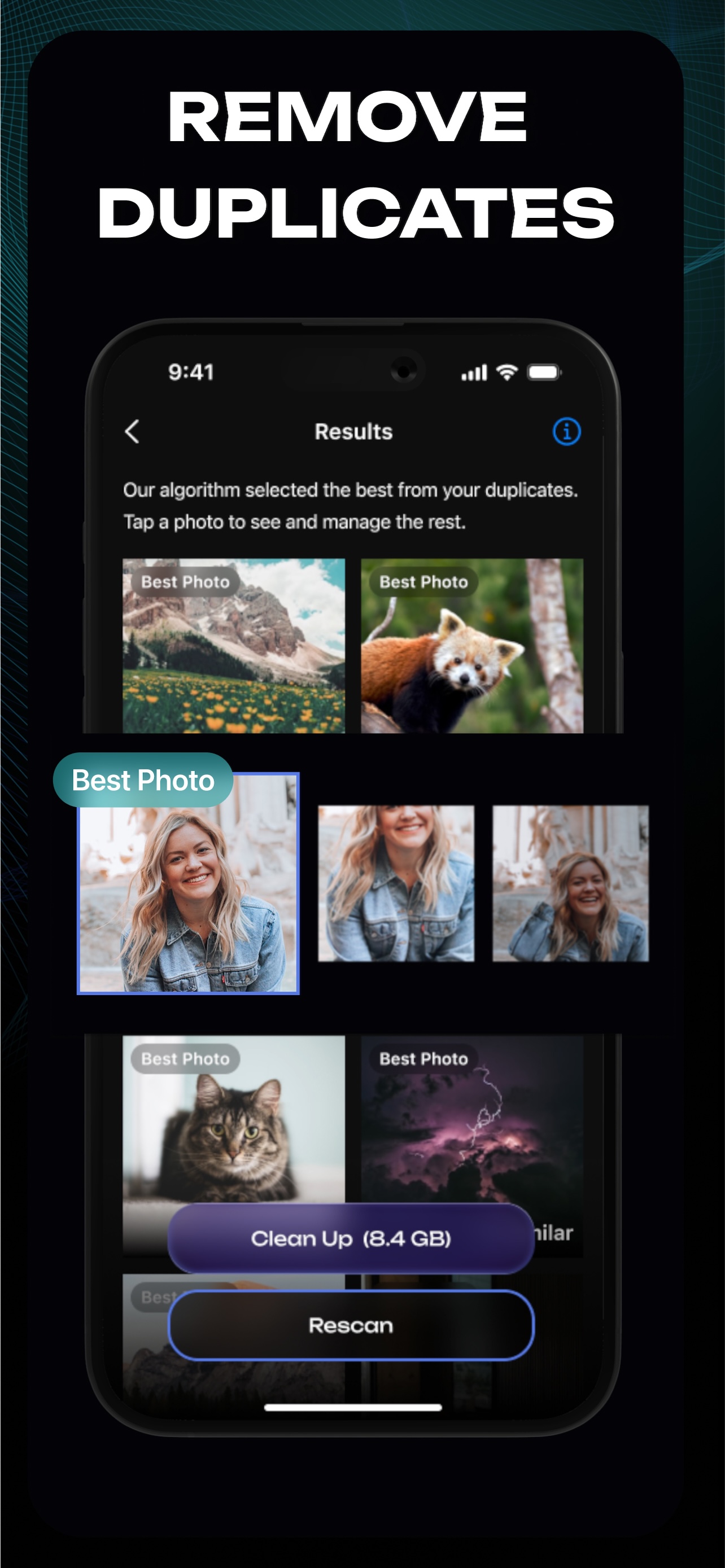
Remove Duplicate Photos
AI finds and selects the best photo from your duplicates. Clean up 8+ GB of wasted space with one tap.
💾
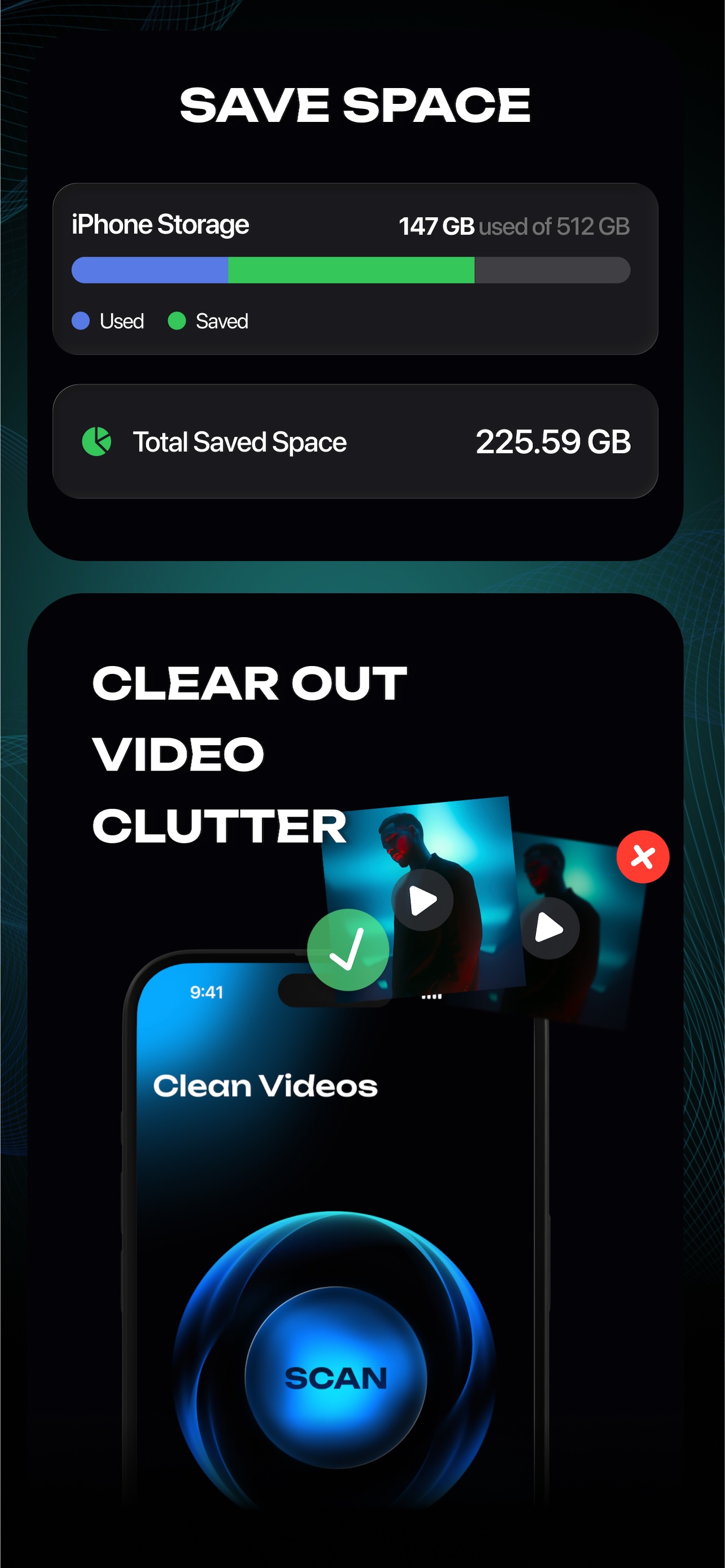
Free Up Storage Space
See exactly how much space you can recover. Delete duplicate videos and photos to free up storage instantly.
🧠
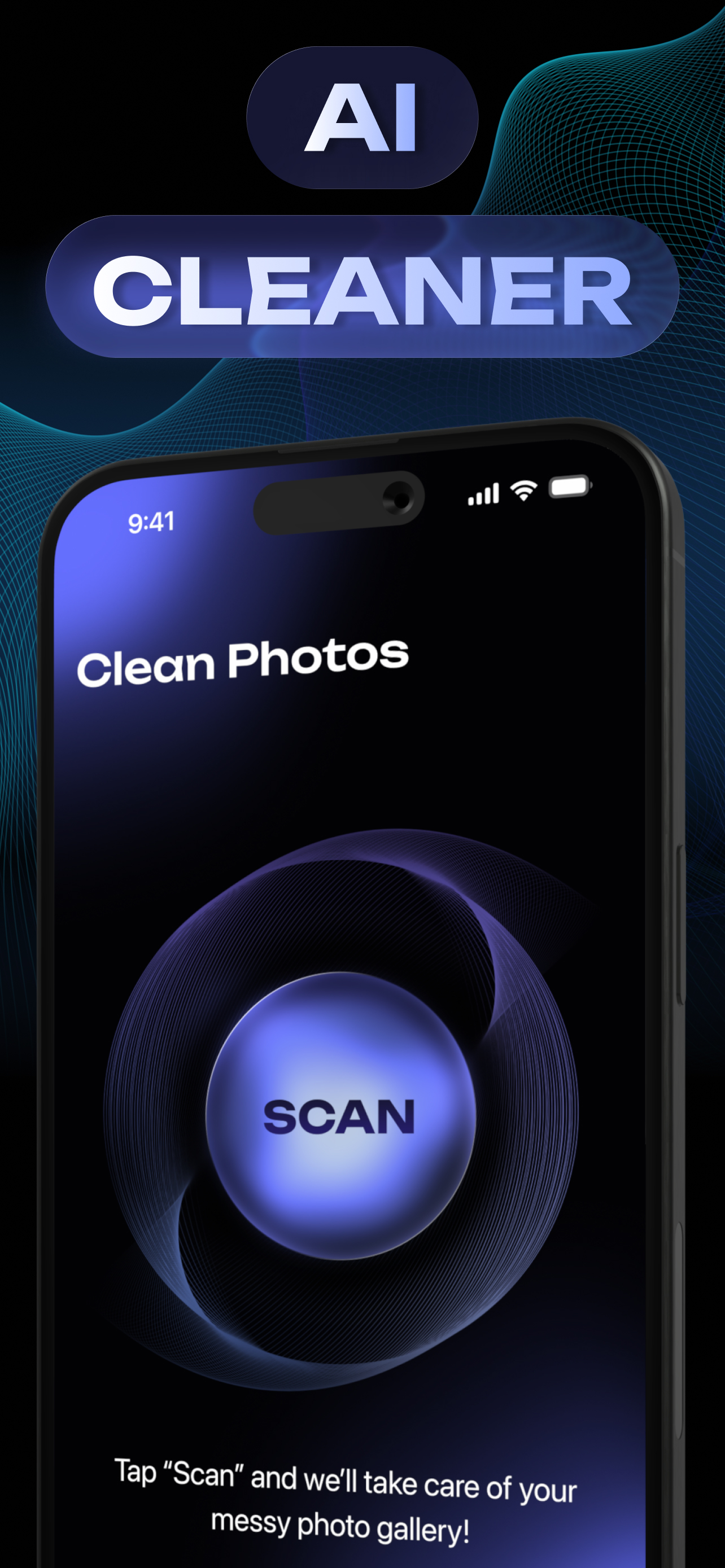
AI Photo Scanner
Tap Scan and let AI analyze your entire camera roll. Find duplicates, blurry shots, and junk photos automatically.
Frequently Asked Questions
Need help with something? Here are our most frequently asked questions.
Cleanup uses AI algorithms to scan your entire camera roll and identify photos that are identical or very similar. It groups duplicates together and suggests which ones to keep, so you can free up space without losing your best shots.
No! Cleanup only suggests photos for deletion — you always have the final say. Review the suggestions, select what you want to remove, and confirm. Deleted photos go to your Recently Deleted album first, so you have 30 days to recover them.
Never. All photo analysis happens entirely on your device. Your photos never leave your phone and are never sent to any server. Your privacy is fully protected.
Cleanup detects duplicates, near-duplicates, blurry photos, photos with poor lighting, low-resolution images, and photos with motion blur. It uses AI to evaluate photo quality and helps you keep only the best ones.
Yes! Cleanup can also find and suggest duplicate or similar videos for deletion. Since videos take up much more storage than photos, this can free up a significant amount of space.
Yes! Cleanup is available on Mac with Apple Silicon (M1 or later). Clean up your photo library on the big screen for an even easier experience.